YouTube QR Code Generator
Send people straight to your video or channel with a scan. A YouTube QR code turns posters, packaging, and slides into a one-tap path to watch and subscribe.
Create your YouTube QR code →A YouTube QR code sends anyone who scans it straight to your channel or a specific video. It bridges the gap between offline materials and your content: a viewer sees a poster, product insert, or slide, scans, and is watching within seconds — no searching, no mistyped channel names. Linking a channel builds subscribers over time, while linking a single video is ideal when you want everyone to see one specific thing, such as a demo, tutorial, or announcement.
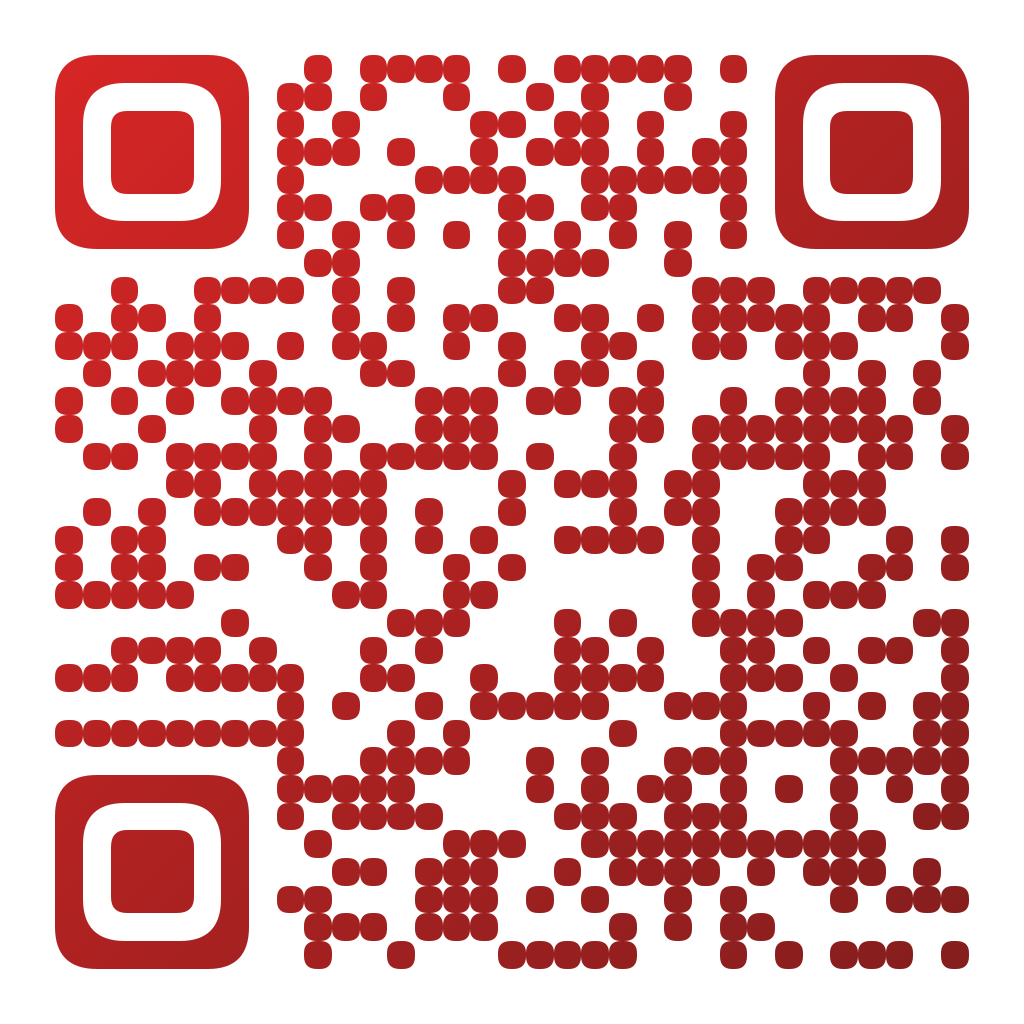
Made in CuteQRCodeA channel code in YouTube red. Swap the link for a single video when you want one view.
Why use a YouTube QR code
Views from offline places
Point people to a demo, tutorial, or trailer from a flyer, box, or booth without them typing a search.
Channel or single video
Link your whole channel to grow subscribers, or a specific video to push one piece of content.
Branded, not bland
Style the code to match your thumbnails and add your logo so it looks professional in print.
How to make one
Enter your details
Paste your channel or video link — for example https://youtube.com/@yourchannel or a specific video URL — into the generator. Scanning opens it in the YouTube app or browser.
Choose your style
Pick a module shape, colours or a gradient, and optionally add a centre logo. Watch the live preview to confirm the code stays scannable.
Download the PNG
Click Generate, then Save PNG to download a free 1024×1024 image ready for screen or print. No account required.
Popular use cases
Product inserts
Add a code that opens a setup or how-to video buyers actually need.
Presentations and events
Let an audience watch your video later from a slide or handout.
Creators and educators
Convert offline fans into subscribers from merch and posters.
Frequently asked questions
How do I create a YouTube QR code?
Copy your channel or video URL, paste it into the generator, style the code, and download it. Scanning the code opens that channel or video on the viewer’s phone.
Should I link my channel or a single video?
Link your channel when the goal is subscribers and browsing your content; link a specific video when you want everyone to watch one particular thing, like a product demo or announcement.
Does the code open the YouTube app?
On phones with YouTube installed the link usually opens in the app; otherwise it opens in the browser. Either way viewers can watch and subscribe.
Can I track how many people scanned it?
A standard code does not track scans on its own. Use a dynamic QR pointing through a link you can measure, or a tracked URL, if you need scan and click analytics.
Is CuteQRCode free to use?
Yes, for everything most people need. The free plan gives you unlimited QR codes, every module shape and gradient preset, a centre logo, and 1024×1024 PNG downloads with no export limit and no account required. Free downloads carry a small "Made with CuteQRCode.com" line and include one active dynamic QR code with up to 500 scans a month. CuteQR Pro, at $9 a month, removes that attribution and adds vector SVG export, ten dynamic codes, scan analytics, and custom seqr.li short links.
Will a styled QR code still scan?
Yes. The three finder-pattern squares in the corners are always drawn in the standard proportions scanners rely on, and styling is applied only to the data modules. A live preview lets you confirm scannability before you download, and high error correction adds tolerance for logos.