WiFi QR Code Generator
Let people join your WiFi by scanning instead of typing a long password. A WiFi QR code stores your network name and password so a phone can connect in one tap — perfect for cafés, rentals, offices, and home guests.
Create your WiFi QR code →A WiFi QR code is a small square that stores your network name and password in the standardised WIFI: format. When someone scans it with their phone camera, the device reads those credentials and offers to join the network automatically, so nobody has to read out or type a password. It is one of the most common QR uses for hospitality and shared spaces because it removes friction at exactly the moment a guest wants to get online.
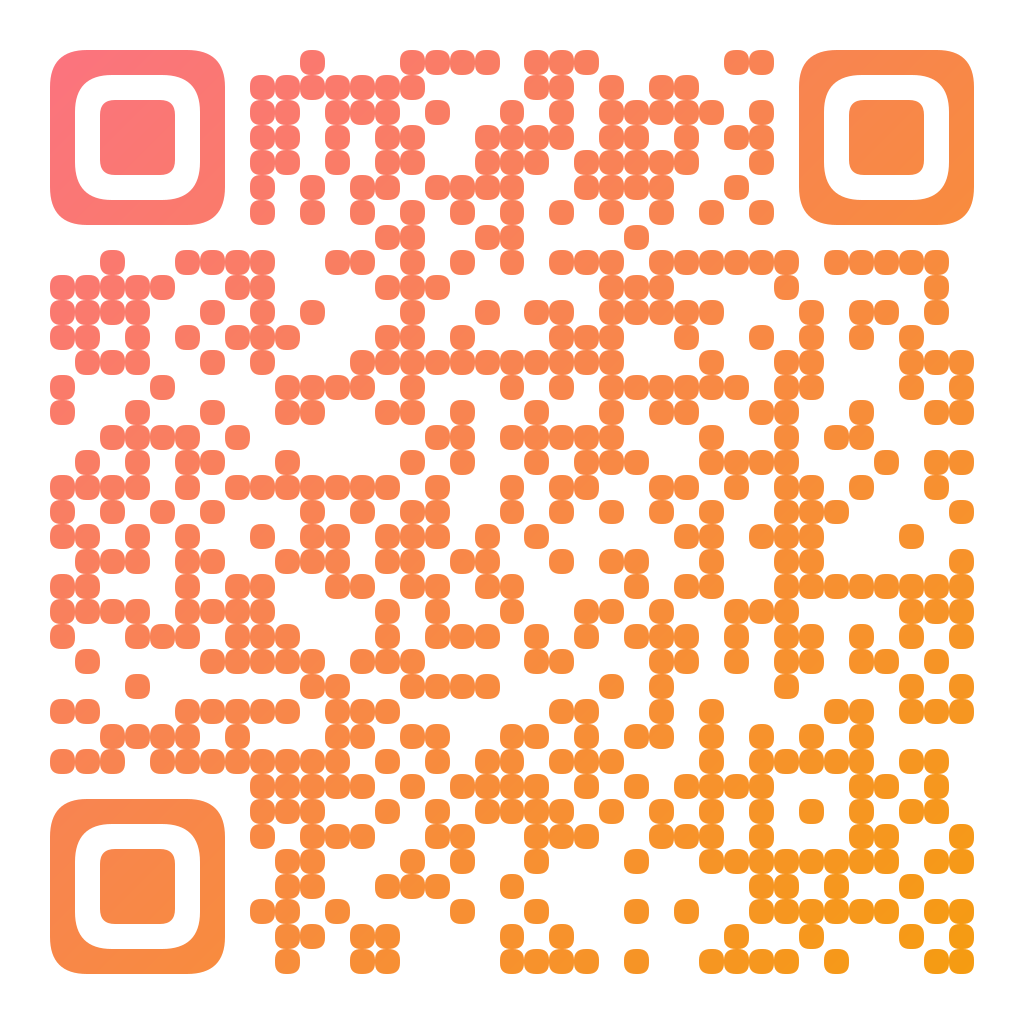
Made in CuteQRCodeA guest network code with rounded modules and a sunset gradient. Scanning it offers to join the network.
Why use a WiFi QR code
No more spelling out passwords
Guests point their camera and connect. No typos, no repeating a 20-character password across a busy room.
Print it once, use it forever
Put the code on a table tent, welcome card, or wall sign. It keeps working as long as the network details stay the same.
Make it match your space
Style the code with your brand colors, rounded or dot modules, and a centre logo so it looks designed, not generic.
How to make one
Enter your details
Choose Wi-Fi as the content type, then fill in your network name, password and security type (WPA, WEP, or none for an open network). Tick "hidden network" if yours does not broadcast its name. CuteQRCode builds the standard WIFI: payload for you.
Choose your style
Pick a module shape, colours or a gradient, and optionally add a centre logo. Watch the live preview to confirm the code stays scannable.
Download the PNG
Click Generate, then Save PNG to download a free 1024×1024 image ready for screen or print. No account required.
Popular use cases
Cafés and restaurants
Put guest WiFi on every table so customers get online instantly and stay longer.
Short-term rentals
Add the code to your welcome binder so guests connect the moment they arrive.
Offices and events
Share visitor WiFi at reception or on badges without exposing it in plain text everywhere.
Frequently asked questions
How do I make a WiFi QR code?
Choose Wi-Fi as the content type in the generator, type your network name and password, pick the security type, style the code if you like, and download the PNG. The generator writes the standard WIFI: payload for you, so scanning it lets a phone join the network automatically — there is no format to memorise or type by hand.
Which phones support WiFi QR codes?
Modern iPhone and Android cameras read WiFi QR codes natively. On older devices a free QR scanner app works. iOS and recent Android also let you share your own WiFi as a QR code from settings.
Is it safe to put my WiFi password in a QR code?
The password is encoded in the code, so only people who can scan it (usually people physically in your space) can read it. For sensitive networks, use a separate guest network rather than your main one.
Can I change the WiFi password later without a new code?
A WiFi QR code is static — it contains the exact password, so changing the password means generating a new code. If you want a link you can edit later, use a dynamic QR pointing to an instructions page instead.
Is CuteQRCode free to use?
Yes, for everything most people need. The free plan gives you unlimited QR codes, every module shape and gradient preset, a centre logo, and 1024×1024 PNG downloads with no export limit and no account required. Free downloads carry a small "Made with CuteQRCode.com" line and include one active dynamic QR code with up to 500 scans a month. CuteQR Pro, at $9 a month, removes that attribution and adds vector SVG export, ten dynamic codes, scan analytics, and custom seqr.li short links.
Will a styled QR code still scan?
Yes. The three finder-pattern squares in the corners are always drawn in the standard proportions scanners rely on, and styling is applied only to the data modules. A live preview lets you confirm scannability before you download, and high error correction adds tolerance for logos.