vCard QR Code Generator
Let people save your contact details instantly. A vCard QR code holds your name, phone, email, and website so a single scan adds you to someone’s contacts — no typing, no lost business cards.
Create your vCard QR code →A vCard QR code stores contact information in the vCard standard that phones already understand. When scanned, the device recognises the format and offers to create a new contact with your name, phone number, email, and website pre-filled, so the other person saves you in seconds without a single keystroke. It is the digital equivalent of handing over a business card, except the details land cleanly in the phone instead of a stack of cards that gets lost in a drawer.
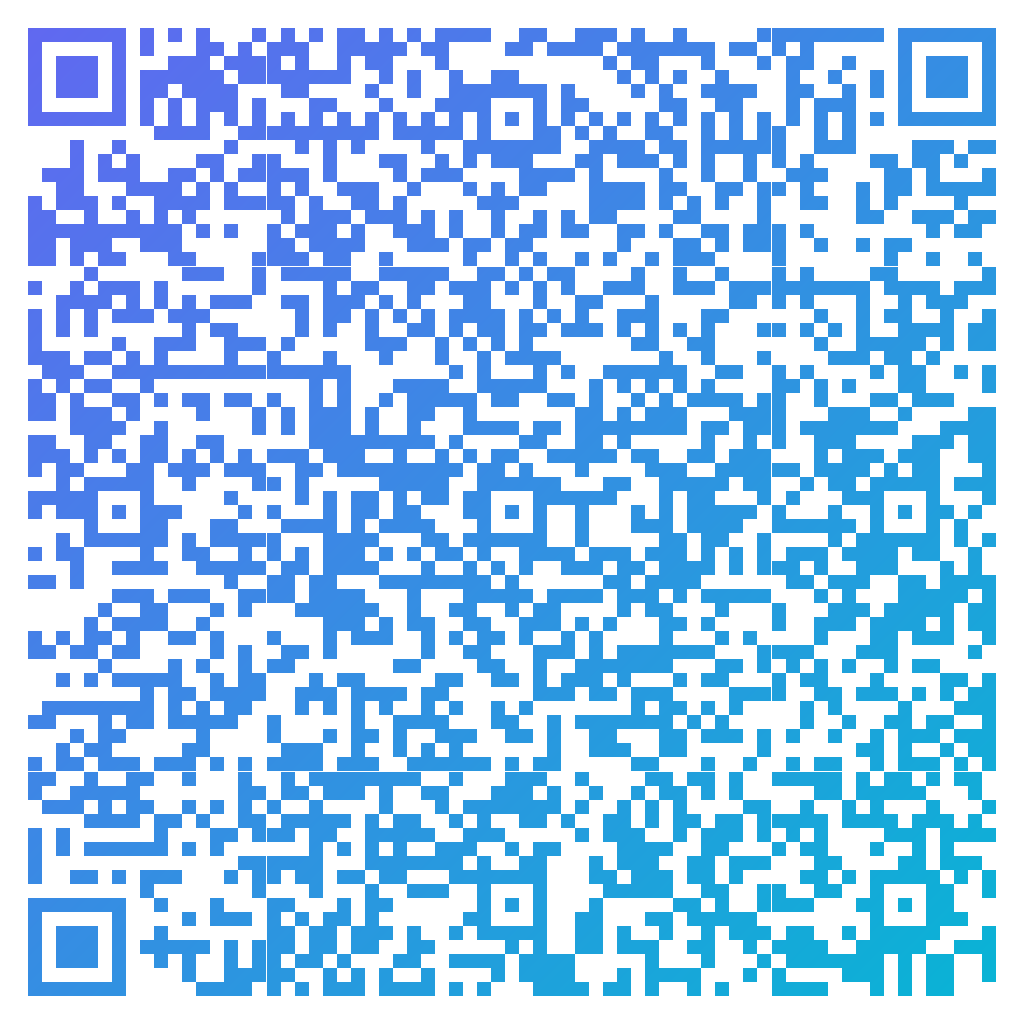
Made in CuteQRCodeA full vCard — name, company, phone, email and website. Scanning offers to save the contact.
Why use a vCard QR code
Saved in one tap
Scanning opens a pre-filled contact card the person can save instantly — far more reliable than reading a paper card.
Always current
Regenerate the code when details change, or point a dynamic code at a contact page you can edit anytime.
Designed to impress
Style it with your brand colors and logo so your digital card looks as considered as a printed one.
How to make one
Enter your details
Choose Contact as the content type and fill in the fields: first and last name, phone, email, company, job title and website. CuteQRCode assembles a standards-compliant vCard from them, so a scan offers to save the contact straight into the phone.
Choose your style
Pick a module shape, colours or a gradient, and optionally add a centre logo. Watch the live preview to confirm the code stays scannable.
Download the PNG
Click Generate, then Save PNG to download a free 1024×1024 image ready for screen or print. No account required.
Popular use cases
Business cards
Add the code to a printed card so contacts save your details without manual entry.
Email signatures and slides
Drop it into a signature or the last slide of a talk so people can connect fast.
Trade shows and networking
Wear it on a badge so new contacts capture your details on the spot.
Frequently asked questions
What is a vCard QR code?
It is a QR code that contains contact information in the standard vCard format. When scanned, the phone offers to save the name, phone, email, and other details directly into contacts.
What details can I put on a vCard QR code?
First and last name, phone number, email address, company, job title and website. Fill in the Contact fields in the generator and it writes the vCard for you — you never have to type BEGIN:VCARD or worry about the format. Leave any field blank and it is simply left out of the card.
Can I include a photo or logo in the contact?
A photo can be embedded in vCard data but makes the code very dense and harder to scan, so it is usually better to keep the vCard text lean and add your logo to the visual design of the code instead.
Do vCard QR codes work on iPhone and Android?
Yes. Both read vCard QR codes with the built-in camera and prompt to create a new contact. No special app is required on current devices.
Is CuteQRCode free to use?
Yes, for everything most people need. The free plan gives you unlimited QR codes, every module shape and gradient preset, a centre logo, and 1024×1024 PNG downloads with no export limit and no account required. Free downloads carry a small "Made with CuteQRCode.com" line and include one active dynamic QR code with up to 500 scans a month. CuteQR Pro, at $9 a month, removes that attribution and adds vector SVG export, ten dynamic codes, scan analytics, and custom seqr.li short links.
Will a styled QR code still scan?
Yes. The three finder-pattern squares in the corners are always drawn in the standard proportions scanners rely on, and styling is applied only to the data modules. A live preview lets you confirm scannability before you download, and high error correction adds tolerance for logos.