Business Card QR Code Generator
Make your business card do more. A QR code on your card can save your contact details, open your website, or link to everything you do — turning a small piece of paper into a gateway to your whole brand.
Create your business card QR code →A business card QR code turns a printed card into an interactive gateway. Rather than limiting the card to whatever fits in a few printed lines, the code can save your full contact details, open your portfolio or booking page, or link to a hub that gathers everything you do. Pairing it with a dynamic link means the destination can change even after the cards are printed, so a single design keeps working as your links and priorities evolve.
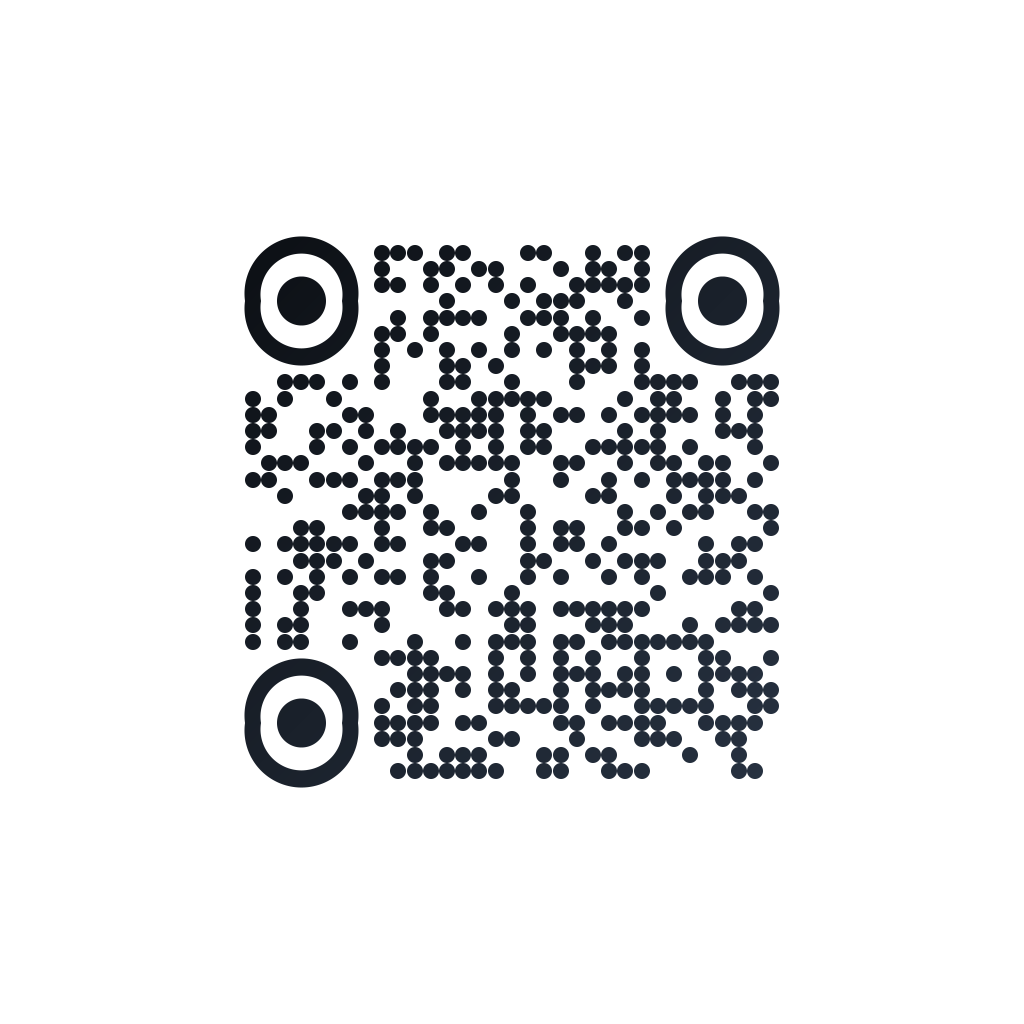
Made in CuteQRCodeCircular modules in near-black, sized to sit on a printed card next to your name.
Why use a Business card QR code
One card, many actions
Point the code at a contact card, a portfolio, or a links hub so a single card can do whatever you need.
Change it without reprinting
A dynamic QR lets you update where the card points even after a box of 500 is printed.
Part of the design
Match the code to your card’s colors and add your logo so it looks intentional, not tacked on.
How to make one
Enter your details
Paste the link you want on the card — your website, portfolio or links page — or switch the content type to Contact and fill in your details so the code saves you straight to the phone’s address book. A dynamic QR lets you change the destination later without reprinting cards.
Choose your style
Pick a module shape, colours or a gradient, and optionally add a centre logo. Watch the live preview to confirm the code stays scannable.
Download the PNG
Click Generate, then Save PNG to download a free 1024×1024 image ready for screen or print. No account required.
Popular use cases
Freelancers and creatives
Send people straight to your portfolio or booking page.
Sales and consultants
Save your contact details to a prospect’s phone during a first meeting.
Small business owners
Link to reviews, your menu, or an offer from the card in a customer’s hand.
Frequently asked questions
What should a business card QR code link to?
Common choices are a digital contact card (vCard), your website or portfolio, a booking page, or a links hub that gathers everything. Pick the single action you most want a new contact to take.
How big should the QR code be on a card?
Aim for at least 2 cm (0.8 in) across with clear space around it. Smaller than that risks unreliable scans, especially on textured or glossy card stock. Test a printed proof before ordering a full run.
Can I update the link after printing cards?
Yes, with a dynamic QR code. It points to a short redirect you control, so you can change the destination anytime without reprinting. A static code is fixed to its original link.
Will the code still scan in dark or colored designs?
It can, as long as there is strong contrast between the code and its background. Use the live preview to check, and avoid very low-contrast color pairings on the modules.
Is CuteQRCode free to use?
Yes, for everything most people need. The free plan gives you unlimited QR codes, every module shape and gradient preset, a centre logo, and 1024×1024 PNG downloads with no export limit and no account required. Free downloads carry a small "Made with CuteQRCode.com" line and include one active dynamic QR code with up to 500 scans a month. CuteQR Pro, at $9 a month, removes that attribution and adds vector SVG export, ten dynamic codes, scan analytics, and custom seqr.li short links.
Will a styled QR code still scan?
Yes. The three finder-pattern squares in the corners are always drawn in the standard proportions scanners rely on, and styling is applied only to the data modules. A live preview lets you confirm scannability before you download, and high error correction adds tolerance for logos.