Google Review QR Code Generator
Turn happy customers into reviews by removing every step between them and your Google review form. A review QR code links directly to your "write a review" page, so a quick scan is all it takes.
Create your review QR code →A Google review QR code links directly to the "write a review" screen for your Google Business Profile. Instead of asking customers to search for your business, find the reviews section, and scroll to the rating stars, a single scan drops them exactly where they need to be. Because every extra step loses people, shortening that path is one of the highest-leverage things a local business can do to collect more reviews — and more reviews improve both your reputation and your local search ranking.
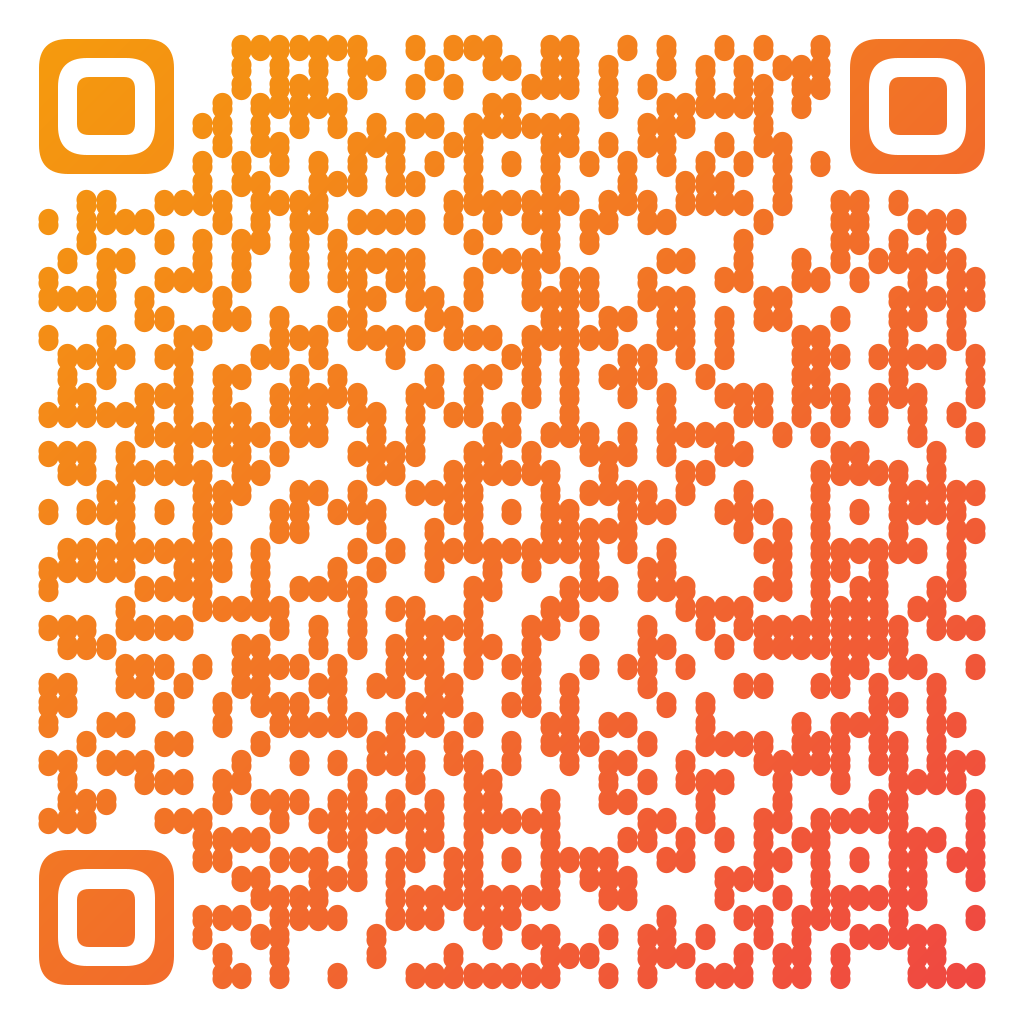
Made in CuteQRCodeDot modules in review-star amber. Scanning opens the Google review form for that business.
Why use a Review QR code
Fewer steps, more reviews
Customers skip searching for your business and land on the review form directly, which meaningfully lifts completion.
Works on receipts and signage
Add it to receipts, tables, packaging, or a counter sign so you can ask at the moment satisfaction is highest.
On-brand, not clip-art
Match your colors and drop in your logo so the code looks like part of your brand.
How to make one
Enter your details
Choose Review as the content type and enter your business name — or paste the review link from your Google Business Profile ("Ask for reviews" → copy link, it looks like https://g.page/r/…). The generator turns it into a code that opens the review form directly.
Choose your style
Pick a module shape, colours or a gradient, and optionally add a centre logo. Watch the live preview to confirm the code stays scannable.
Download the PNG
Click Generate, then Save PNG to download a free 1024×1024 image ready for screen or print. No account required.
Popular use cases
Restaurants and cafés
Place it on the bill or table so guests review before they leave.
Local services
Add it to invoices and follow-up cards after a job is done well.
Retail and ecommerce
Print it on packaging inserts to catch customers when the product arrives.
Frequently asked questions
How do I get my Google review link?
In your Google Business Profile, choose "Ask for reviews" (or "Get more reviews") and copy the short review link. Paste it into the Review panel in the generator — or just enter your business name there and let the generator build the review URL for you.
Does a review QR code cost anything?
No. Both Google reviews and this generator are free. You only need a Google Business Profile for your location.
Can customers still edit or delete their review?
Yes. The QR code only opens the review form. Customers write, edit, or remove their own reviews entirely through Google — the code has no control over the content.
Where should I place the review QR code?
Anywhere customers are happy and have a moment: receipts, tables, checkout counters, packaging, thank-you cards, or a follow-up email. Pair it with a short "Enjoyed your visit? Scan to review" prompt.
Is CuteQRCode free to use?
Yes, for everything most people need. The free plan gives you unlimited QR codes, every module shape and gradient preset, a centre logo, and 1024×1024 PNG downloads with no export limit and no account required. Free downloads carry a small "Made with CuteQRCode.com" line and include one active dynamic QR code with up to 500 scans a month. CuteQR Pro, at $9 a month, removes that attribution and adds vector SVG export, ten dynamic codes, scan analytics, and custom seqr.li short links.
Will a styled QR code still scan?
Yes. The three finder-pattern squares in the corners are always drawn in the standard proportions scanners rely on, and styling is applied only to the data modules. A live preview lets you confirm scannability before you download, and high error correction adds tolerance for logos.