Instagram QR Code Generator
Turn offline attention into followers. An Instagram QR code opens your profile directly, so people can follow you from a poster, product, or storefront without searching your handle.
Create your Instagram QR code →An Instagram QR code opens your profile directly when scanned, turning any physical surface into a follow button. Unlike Instagram’s built-in nametag, which only works from inside the Instagram app, a standard QR code works with any phone’s camera and can be branded with your colours and logo for print. That makes it a dependable way to convert the attention you earn on packaging, signage, and events into followers who keep hearing from you afterwards.
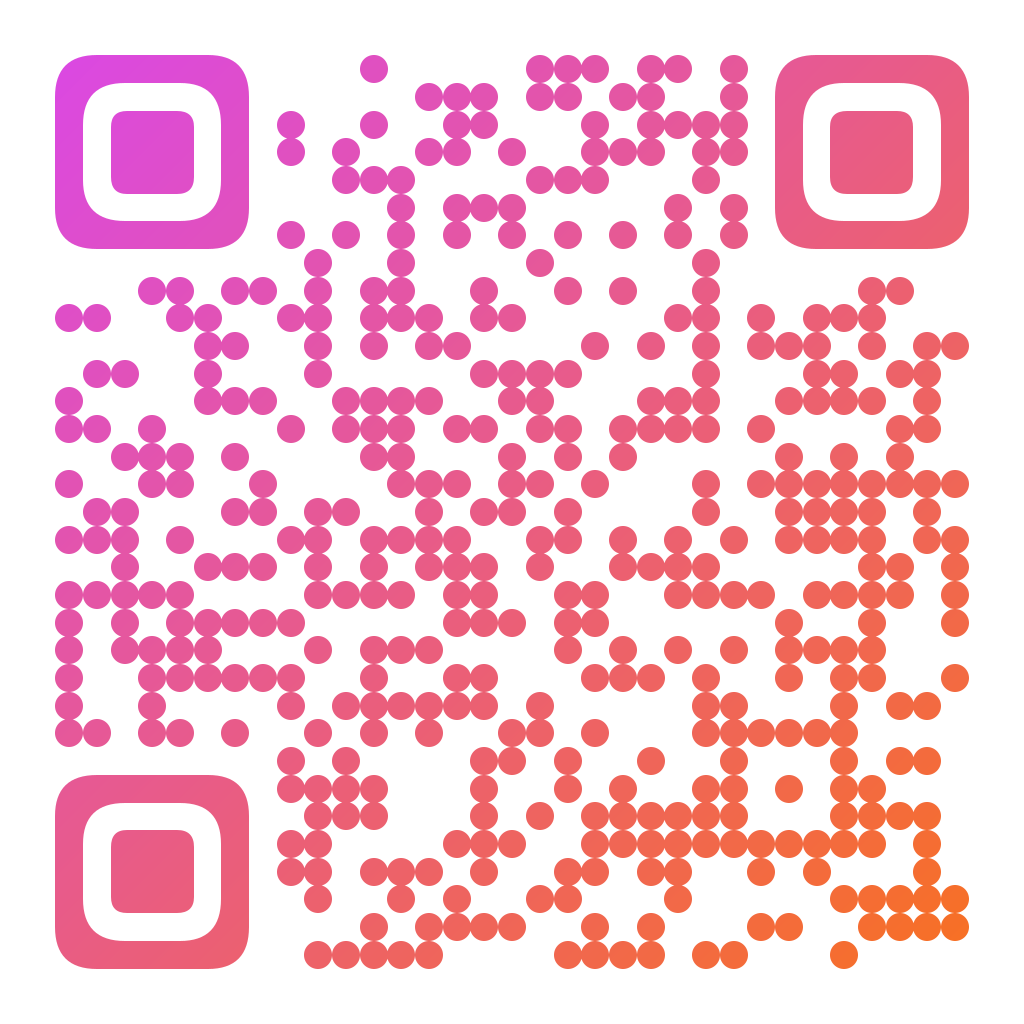
Made in CuteQRCodeDot modules in an Instagram-style gradient. Scanning opens the profile ready to follow.
Why use a Instagram QR code
Followers from the real world
Let people follow you from packaging, flyers, and signage instead of hoping they remember your handle later.
One code, every placement
Use the same branded code on stickers, receipts, posters, and event banners.
Styled to match your feed
Color the code to fit your aesthetic and add your logo so it feels like part of your brand.
How to make one
Enter your details
Paste your profile link — https://instagram.com/yourusername — into the generator. Scanning opens your profile in the Instagram app or browser so people can follow with one tap.
Choose your style
Pick a module shape, colours or a gradient, and optionally add a centre logo. Watch the live preview to confirm the code stays scannable.
Download the PNG
Click Generate, then Save PNG to download a free 1024×1024 image ready for screen or print. No account required.
Popular use cases
Retail and pop-ups
Put a "Follow us" code at the counter or on the window.
Product packaging
Add a code to boxes and inserts so buyers connect after purchase.
Events and print ads
Grow your audience from posters, booths, and flyers.
Frequently asked questions
How do I make an Instagram QR code?
Copy your profile URL (instagram.com/yourusername), paste it into the generator, style the code, and download it. Scanning opens your profile so people can follow immediately.
How is this different from Instagram’s own nametag?
Instagram’s in-app nametag only works when scanned from inside the Instagram app. A standard QR code made here works with any phone camera, and you can brand it with your colors and logo for print.
Can I link to a specific post or reel instead?
Yes. Paste the link to any specific post, reel, or highlight instead of your profile, and the code will open exactly that content when scanned.
Will the code open the Instagram app?
On phones with Instagram installed, the link typically opens in the app. Otherwise it opens in the mobile browser, where users can still view the profile and follow.
Is CuteQRCode free to use?
Yes, for everything most people need. The free plan gives you unlimited QR codes, every module shape and gradient preset, a centre logo, and 1024×1024 PNG downloads with no export limit and no account required. Free downloads carry a small "Made with CuteQRCode.com" line and include one active dynamic QR code with up to 500 scans a month. CuteQR Pro, at $9 a month, removes that attribution and adds vector SVG export, ten dynamic codes, scan analytics, and custom seqr.li short links.
Will a styled QR code still scan?
Yes. The three finder-pattern squares in the corners are always drawn in the standard proportions scanners rely on, and styling is applied only to the data modules. A live preview lets you confirm scannability before you download, and high error correction adds tolerance for logos.