Email QR Code Generator
Make it effortless to email you. An email QR code opens a new message with your address — and optionally a subject and body — already filled in, so people reach out without hunting for contact details.
Create your email QR code →An email QR code uses the standard mailto format to open a new message when scanned, with your address — and optionally a subject line and body — already filled in. The person just reviews and taps send, so reaching you takes one scan instead of copying an address and risking a typo. It is a simple way to invite contact from print, packaging, and signage, and pre-filling the subject helps route enquiries, feedback, or applications to exactly the right place.
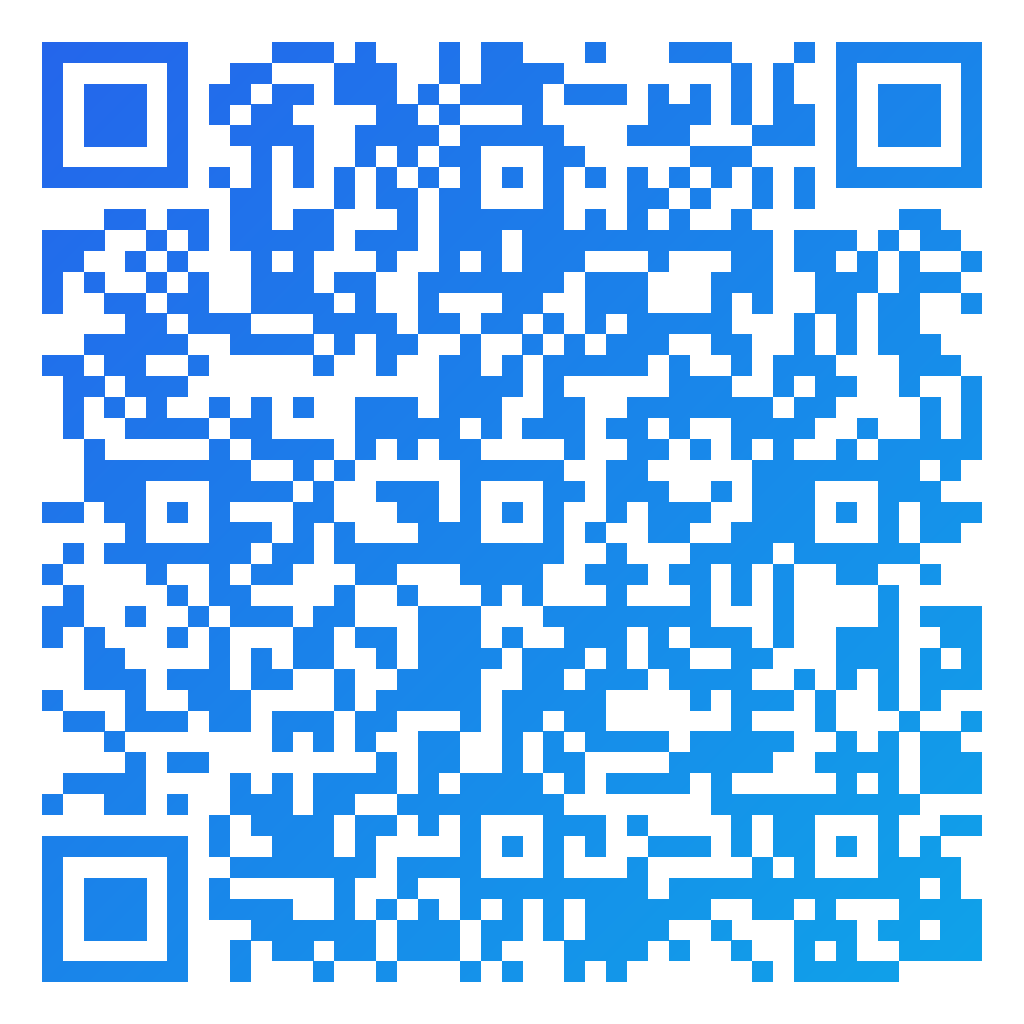
Made in CuteQRCodeA pre-addressed message with the subject already filled in — the reader just types and sends.
Why use a Email QR code
Pre-filled and ready
Scanning opens a new email with your address, and optionally a subject and message, so people just hit send.
Fewer typos, more replies
No one mistypes your address, so more messages actually reach you.
On-brand contact point
Style the code and add your logo so it fits business cards, posters, and signage.
How to make one
Enter your details
Choose Email as the content type and fill in the recipient address, plus an optional subject and message. CuteQRCode builds the mailto link and handles the encoding, so scanning opens the reader’s email app with a new message already filled in.
Choose your style
Pick a module shape, colours or a gradient, and optionally add a centre logo. Watch the live preview to confirm the code stays scannable.
Download the PNG
Click Generate, then Save PNG to download a free 1024×1024 image ready for screen or print. No account required.
Popular use cases
Support and enquiries
Put a code on packaging or signage that opens a support email with the subject pre-set.
Business cards and flyers
Let contacts email you without typing your address.
Feedback and applications
Add a code that starts a message to the right inbox for feedback or job enquiries.
Frequently asked questions
How do I make an email QR code?
Choose Email as the content type in the generator, enter the address you want messages sent to, optionally add a subject and message, and download the code. Scanning opens a new pre-filled email — you do not need to write a mailto link or encode anything yourself.
Can I pre-fill the subject and message?
Yes. The Subject and Message fields are optional, and whatever you type in them arrives in the draft exactly as written — spaces, punctuation and line breaks included. Pre-filling the subject is a simple way to route enquiries, feedback and applications to the right inbox.
Which email app opens when scanned?
The phone’s default mail app opens with the new message. If no mail app is set up, the user is prompted to choose or configure one.
Does the email send automatically?
No. The code only opens a draft with the fields filled in. The person still reviews and taps send, so they stay in control of the message.
Is CuteQRCode free to use?
Yes, for everything most people need. The free plan gives you unlimited QR codes, every module shape and gradient preset, a centre logo, and 1024×1024 PNG downloads with no export limit and no account required. Free downloads carry a small "Made with CuteQRCode.com" line and include one active dynamic QR code with up to 500 scans a month. CuteQR Pro, at $9 a month, removes that attribution and adds vector SVG export, ten dynamic codes, scan analytics, and custom seqr.li short links.
Will a styled QR code still scan?
Yes. The three finder-pattern squares in the corners are always drawn in the standard proportions scanners rely on, and styling is applied only to the data modules. A live preview lets you confirm scannability before you download, and high error correction adds tolerance for logos.