Venmo QR Code Generator
Scanning opens your Venmo profile, with the payment note already written if you add one. The payer confirms in their own Venmo app.
Make a Venmo QR code →Venmo has its own in-app code, which is the right tool when someone is standing in front of you with the app open. This is for the other case: a code you print and leave somewhere, on a sign, a flyer or an invoice, where you are not there to show a screen. It builds a venmo.com link from your username and an optional note, so scanning opens your profile with the note pre-written — useful because a note is what turns an anonymous payment into one you can reconcile later. Nothing here connects to your Venmo account or sees your balance; the payer confirms the payment in their own app, where Venmo’s own protections apply. Two things to know: Venmo is US-only, so a printed code is no use to an international audience, and payments between individuals have fewer protections than a card, so treat it as a convenience among people you know rather than a checkout for strangers.
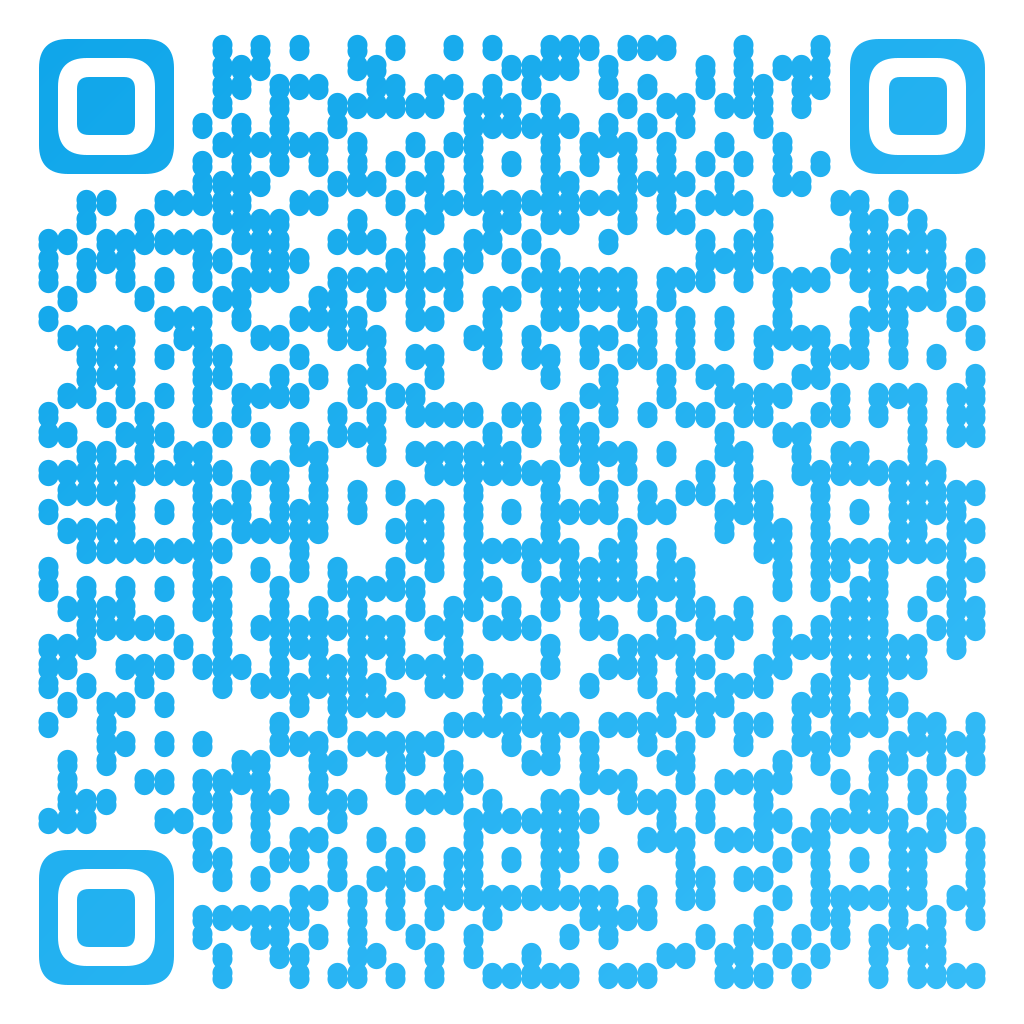
Made in CuteQRCodeOpens the Venmo profile with the note already written, so the payment arrives labelled.
Why use a Venmo QR code
Printable, unlike the in-app code
Venmo’s own code lives on your phone screen. This one goes on a sign, a flyer or an invoice and works when you are not there.
The note is pre-written
A note is what makes a payment reconcilable afterwards. Putting it in the code means you get one every time.
No account linking
The code is a link to your public profile. Nothing here signs into Venmo, reads your balance or moves money.
Confirmed in their app
The payer completes the payment in Venmo, where Venmo’s protections and limits apply. The code only gets them there.
How to make one
Enter your details
Choose Payment, pick Venmo, and enter your username — with or without the @. Add a note to describe what the payment is for; it arrives pre-written.
Choose your style
Pick a module shape, colours or a gradient, and optionally add a centre logo. Watch the live preview to confirm the code stays scannable.
Download the PNG
Click Generate, then Save PNG to download a free 1024×1024 image ready for screen or print. No account required.
Popular use cases
Shared costs
A code on the fridge for the household bill, with the note already naming which bill it is.
Yard sales and stalls
A sign with a code covers everyone who stopped carrying cash, with nothing to set up.
Club and team dues
Printed on the schedule, with the note naming the season — so the payments arrive already labelled.
Service invoices
On the paper invoice for small local work, where a card reader is more trouble than the job is worth.
Frequently asked questions
How do I make a Venmo QR code?
Choose Payment in the generator, pick Venmo, and enter your username with or without the @. Add a note if you want the payment described. The code opens your Venmo profile when scanned, with the note already written.
How is this different from the QR code inside Venmo?
Venmo’s own code is on your phone screen, which is right when you are face to face. This one is a printable link to your profile, for a sign, a flyer or an invoice that has to work when you are not there to hold up a phone.
Does this link to my Venmo account?
No. The code points at your public Venmo profile. Nothing here signs into your account, sees your balance or moves money — the payer confirms everything in their own Venmo app.
Does a Venmo QR code work outside the US?
No. Venmo operates in the United States only, so a printed Venmo code is no use to an international audience. A PayPal code reaches more countries if the people scanning might be anywhere.
Is paying by Venmo QR code safe?
Person-to-person payments carry fewer protections than a card, so Venmo suits people you know better than strangers. Check the name on the profile before confirming, and be wary of printed codes in public places — covering a real code with a sticker is a common scam.
Is CuteQRCode free to use?
Yes, for everything most people need. The free plan gives you unlimited QR codes, every module shape and gradient preset, a centre logo, and 1024×1024 PNG downloads with no export limit and no account required. Free downloads carry a small "Made with CuteQRCode.com" line and include one active dynamic QR code with up to 500 scans a month. CuteQR Pro, at $9 a month, removes that attribution and adds vector SVG export, ten dynamic codes, scan analytics, and custom seqr.li short links.
Will a styled QR code still scan?
Yes. The three finder-pattern squares in the corners are always drawn in the standard proportions scanners rely on, and styling is applied only to the data modules. A live preview lets you confirm scannability before you download, and high error correction adds tolerance for logos.