Cash App QR Code Generator
Scanning opens your cashtag page, with the amount set if you enter one. The payer confirms in their own Cash App.
Make a Cash App QR code →Your cashtag already has a page at cash.app, and this builds a scannable code for it, optionally with an amount baked into the link. Like the in-app Cash App code it is a shortcut to you, but unlike that one it is meant to be printed: it goes on a sign or an invoice and works without you there to show a screen. Nothing here connects to your Cash App account — no sign-in, no balance, no transactions. The payer lands on your page and confirms in their own app, where Cash App’s limits and protections apply. Enter the cashtag with or without the leading dollar sign; the builder handles either. Two caveats worth printing alongside it: Cash App covers the US and UK only, so an international audience will need something else, and payments between individuals are effectively cash — quick and convenient, with little recourse if the person on the other end is not who you thought.
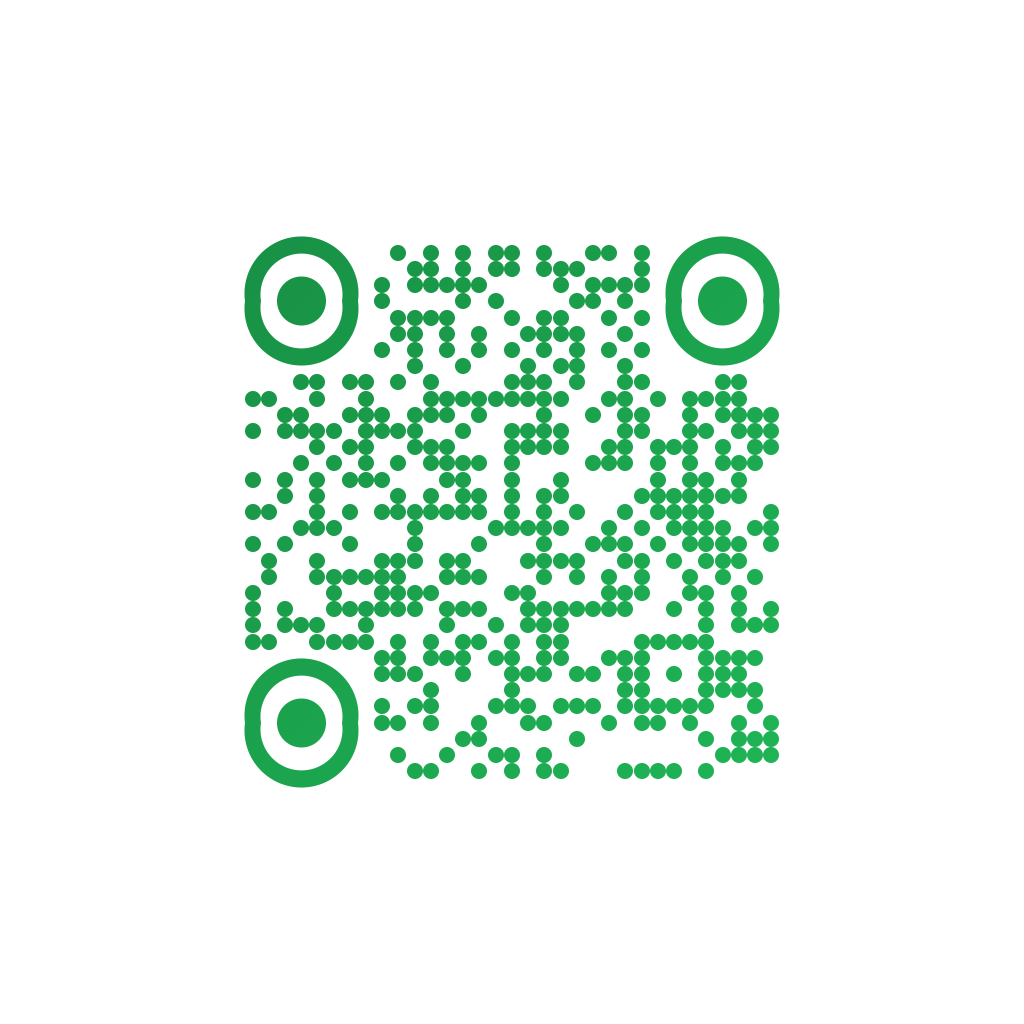
Made in CuteQRCodeA cashtag page with the sum set. Confirmation happens in the payer own Cash App.
Why use a Cash App QR code
Made to be printed
The in-app code lives on your screen. This one goes on a sign or an invoice and works when you are not standing there.
Fixed or open amount
Set the sum for a price, leave it blank for tips. A pre-set amount is the simplest guard against the wrong number being typed.
No account linking
The code points at your public cashtag page. Nothing here signs in, reads your balance or moves money.
Confirmed in their app
The payer completes it in Cash App, under Cash App’s limits and protections. The code only gets them to the page.
How to make one
Enter your details
Choose Payment, pick Cash App, and enter your cashtag — with or without the dollar sign. Add an amount to set the sum, or leave it blank to let the payer choose.
Choose your style
Pick a module shape, colours or a gradient, and optionally add a centre logo. Watch the live preview to confirm the code stays scannable.
Download the PNG
Click Generate, then Save PNG to download a free 1024×1024 image ready for screen or print. No account required.
Popular use cases
Tips and buskers
A code on the case or the counter, amount left open, for everyone who stopped carrying change.
Small resale and stalls
A printed sign is the entire payment setup, with nothing to rent and nothing to charge overnight.
Group costs
Pinned where everyone sees it, with the amount set so nobody has to ask what their share was.
Local services
On the invoice for small jobs, where a card reader costs more than the margin on the work.
Frequently asked questions
How do I make a Cash App QR code?
Choose Payment in the generator, pick Cash App, and enter your cashtag with or without the dollar sign. Add an amount to set the sum. The code opens your cash.app page when scanned.
How is this different from the code in Cash App?
Cash App’s own code is on your phone screen, which works face to face. This one is a printable link to your cashtag page — for a sign, a stall or an invoice that has to keep working when your phone is in your pocket.
Does this connect to my Cash App account?
No. The code is a link to the public page your cashtag already has. Nothing here signs into your account, sees your balance or moves money; the payer confirms everything in their own app.
Where does Cash App work?
The United States and the United Kingdom. A printed Cash App code is no use to anyone outside those two countries, so if the people scanning might be anywhere, PayPal reaches considerably further.
Is it safe to pay by scanning a Cash App code?
Treat it like handing over cash: fast, convenient, and with little recourse if the recipient is not who you expected. Check the name on the page before confirming, and be careful with codes in public places, where covering a real one with a sticker is a known scam.
Is CuteQRCode free to use?
Yes, for everything most people need. The free plan gives you unlimited QR codes, every module shape and gradient preset, a centre logo, and 1024×1024 PNG downloads with no export limit and no account required. Free downloads carry a small "Made with CuteQRCode.com" line and include one active dynamic QR code with up to 500 scans a month. CuteQR Pro, at $9 a month, removes that attribution and adds vector SVG export, ten dynamic codes, scan analytics, and custom seqr.li short links.
Will a styled QR code still scan?
Yes. The three finder-pattern squares in the corners are always drawn in the standard proportions scanners rely on, and styling is applied only to the data modules. A live preview lets you confirm scannability before you download, and high error correction adds tolerance for logos.