QR codes for photographers
This is the one trade where the code has to be beautiful. It goes on a printed photograph, an album or a portfolio, next to your own work.
Make a gallery QR code →Every other industry can accept a plain black square. A photographer cannot: the code goes on the back of a print, inside an album or on a portfolio card, directly beside work you are judged on. That makes styling a working requirement rather than decoration — colours drawn from the image, a centre logo, module shapes that suit the piece. The limit is contrast, which is where taste and function collide: a code in soft greys on cream looks right and may not scan, so check the preview and keep module-to-background contrast above four to one even when a lighter version looks better. The other half is delivery. Client galleries move — platforms change, links expire, collections are archived — while a printed album stays in a living room for decades. A static code pointed at today’s gallery URL is a dead link in five years. Dynamic codes are what let a print made now still open something real later.
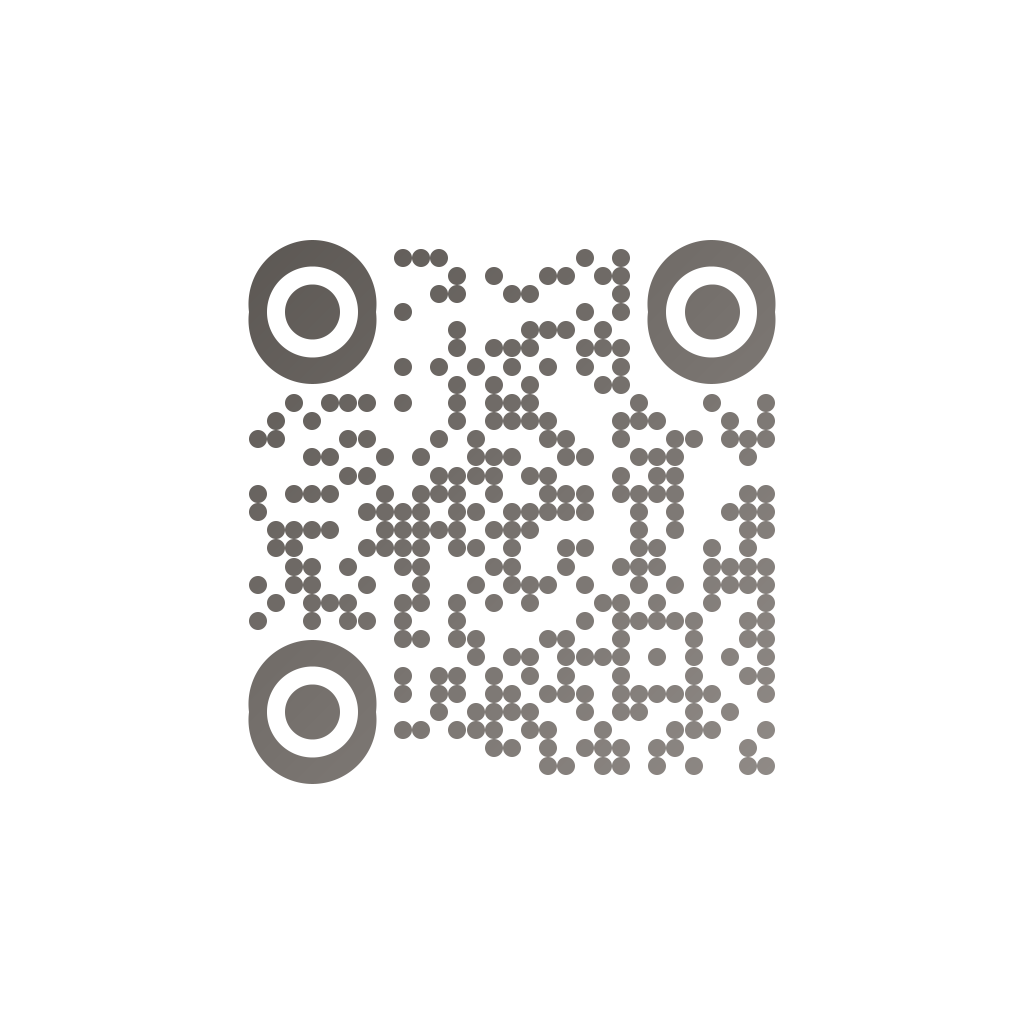
Made in CuteQRCodeCircular modules in warm grey, styled for the back of a print. Contrast still above four to one.
What photographers need
It has to look right
The code sits beside your work. Colours, module shapes and a centre logo are the difference between a design element and a sticker.
Contrast is the limit
Soft greys on cream look lovely and may not scan. Keep module-to-background contrast above four to one and check the preview.
Prints outlive platforms
An album stays in a living room for decades; gallery links do not. A dynamic code keeps the print working.
Vector for print
Albums and fine-art prints are where PNG runs out. SVG export scales without pixels, on CuteQR Pro.
How to make one
Enter your details
Paste the gallery link and switch Dynamic on, so a print made today still opens something when the platform changes. Add your logo and colours from the shoot.
Choose your style
Pick a module shape, colours or a gradient, and optionally add a centre logo. Watch the live preview to confirm the code stays scannable.
Download the PNG
Click Generate, then Save PNG to download a free 1024×1024 image ready for screen or print. No account required.
Where photographers put them
Back of a print
Opens the full gallery or the ordering page. Small, high contrast, and styled to match the mount.
Album end-papers
A code inside the album that still resolves years later — which means dynamic, not static.
Client proofing
A card handed over at the shoot pointing at the proofing gallery, repointed per client or per collection.
Portfolio and exhibition cards
Beside a hung print: your site, the series notes, or how to buy.
Frequently asked questions
Can a QR code be styled to match my work?
Yes — colours, module shapes, gradients and a centre logo are all on the free plan. The one hard limit is contrast: the modules must stay clearly darker than the background, above about four to one, or a code that looks beautiful simply will not scan.
What format should I use for printing on photographs?
The free 1024× 1024 PNG is fine for most print sizes. For albums, fine-art prints and anything a lab may resize, vector SVG scales with no pixels to run out of — that export is part of CuteQR Pro at $9 a month.
Should gallery codes be static or dynamic?
Dynamic, almost always. Platforms change, links expire and collections get archived, while the album sits in a living room for decades. A static code pointed at today’s gallery is a dead link in a few years; a dynamic one can be repointed.
How small can a code go on the back of a print?
About two centimetres is the practical floor for a short link held at reading distance. Keep the payload short — a dynamic code’s link is far shorter than a gallery URL, which is another reason it prints smaller and scans better.
Will a logo in the middle stop it scanning?
Not at a sensible size. Error correction is set high so a centre logo is tolerated, and the live preview shows the result before you download. Cover too much and it fails — the preview is where you find the limit.
Is CuteQRCode free to use?
Yes, for everything most people need. The free plan gives you unlimited QR codes, every module shape and gradient preset, a centre logo, and 1024×1024 PNG downloads with no export limit and no account required. Free downloads carry a small "Made with CuteQRCode.com" line and include one active dynamic QR code with up to 500 scans a month. CuteQR Pro, at $9 a month, removes that attribution and adds vector SVG export, ten dynamic codes, scan analytics, and custom seqr.li short links.
Will a styled QR code still scan?
Yes. The three finder-pattern squares in the corners are always drawn in the standard proportions scanners rely on, and styling is applied only to the data modules. A live preview lets you confirm scannability before you download, and high error correction adds tolerance for logos.