QR codes for coffee shops
In a cafe the WiFi code earns its place more than any other. It answers the question your staff are asked twenty times a day, without anyone spelling out a password.
Make a WiFi QR code →A coffee shop is not a small restaurant, and the codes that work are different. Dwell time is long and the laptop crowd arrives already wanting one thing: the network. A Wi-Fi QR code encodes the network name and password directly, so scanning offers to join — no spelling out capital letters across a noisy counter, no whiteboard with the password smudged off. It is also a rare case where static is right: the data is the password, there is no destination to repoint, and the code keeps working with no service behind it. The practical constraint is space. Counter real estate is tiny and contested, so a Wi-Fi code usually ends up on a table card, a window, or the back of the menu rather than by the till. Changing the password means a new code, so pick a password you will keep, and reprint deliberately rather than monthly.
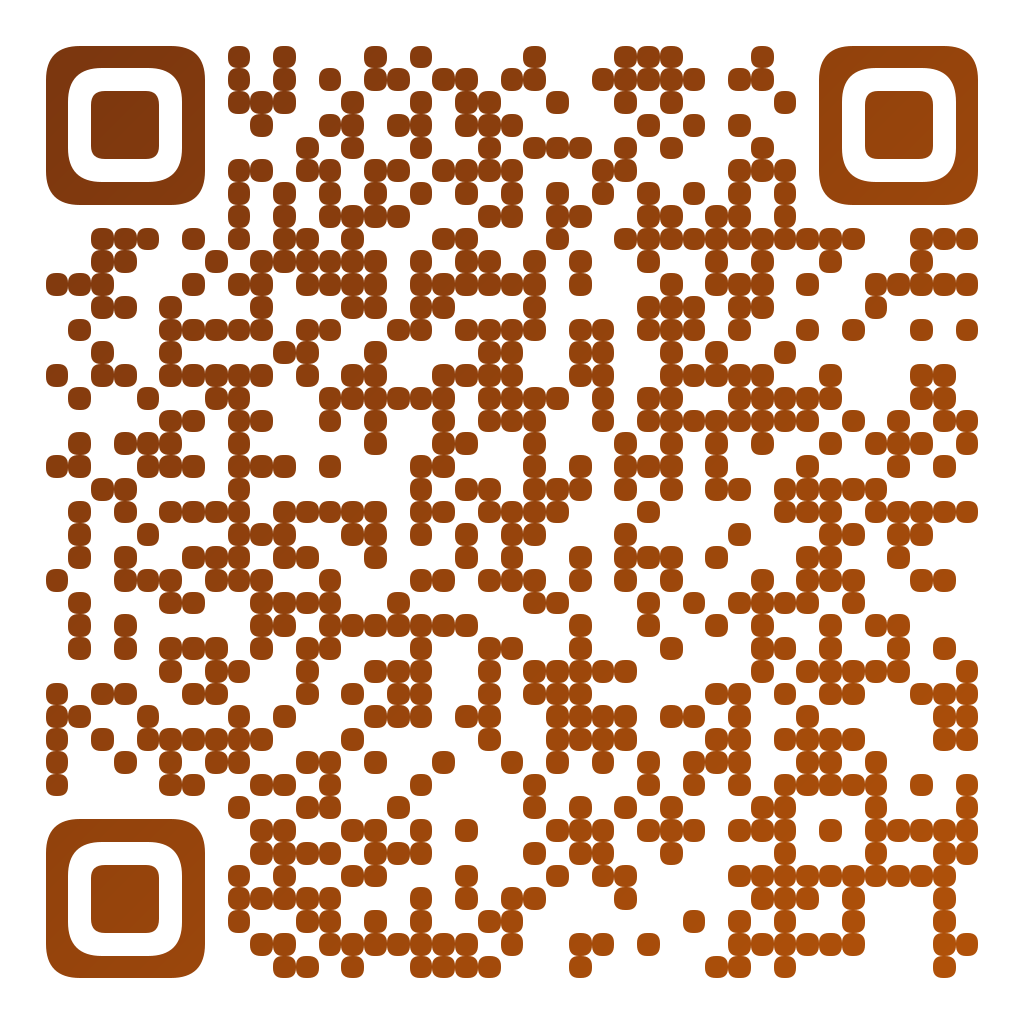
Made in CuteQRCodeThe guest network on a table card. Static, so it keeps working with nothing behind it.
What works in a cafe
The WiFi question, answered
Scanning offers to join the network. Nobody spells a password across a noisy counter, and nothing gets smudged off a whiteboard.
Static is the right choice
The password is in the pattern. No service behind it, nothing to renew, and it keeps working if your provider ever does not.
Small footprint
Counter space is contested. A code works on a table card or the window where a printed password list would not fit.
Tips without cash
A payment code by the till covers everyone who stopped carrying change, with no reader to rent.
How to make one
Enter your details
Choose WiFi and enter the network name, password and security type. They are form fields — you never type the raw network string yourself.
Choose your style
Pick a module shape, colours or a gradient, and optionally add a centre logo. Watch the live preview to confirm the code stays scannable.
Download the PNG
Click Generate, then Save PNG to download a free 1024×1024 image ready for screen or print. No account required.
Where cafes put them
Table cards
The best spot for WiFi: read at the moment someone sits down and opens a laptop.
By the till
A tip or payment code, amount left open. Small, high contrast, and somewhere it cannot be covered.
Loyalty and newsletter
A code on the cup sleeve or the receipt, pointed at a signup page you can change later.
Window display
Opening hours, the current roast, or your Instagram — read from the pavement, so print it large.
Frequently asked questions
What is the best QR code for a coffee shop?
A Wi-Fi code, by a distance. It answers the question staff are asked most, it needs no service behind it, and it works the moment someone sits down. Tips, loyalty and reviews are all worth codes too, but the network is the one customers look for.
Do I need to reprint when the WiFi password changes?
Yes. The password is encoded in the pattern, so a new password means a new code. That is the trade-off for a code that never expires and depends on nothing — choose a password you intend to keep, and change it deliberately.
Is a WiFi QR code safe to put on display?
It reveals your guest network password to anyone who can see the card, which is the same thing a password on a chalkboard does. Keep guests on a separate network from your till and back office, as you would anyway.
Where should the code go?
Table cards work best for WiFi, because that is where the question is asked. Keep payment and tip codes somewhere they cannot be quietly covered — a sticker over a real payment code is a known scam, and a cafe counter is an easy target.
Can I make the code match the shop?
Yes. Colours, module shapes and a centre logo are all on the free plan. Keep the contrast high: a cafe is often dim, and a low-contrast code fails there before it fails anywhere else.
Is CuteQRCode free to use?
Yes, for everything most people need. The free plan gives you unlimited QR codes, every module shape and gradient preset, a centre logo, and 1024×1024 PNG downloads with no export limit and no account required. Free downloads carry a small "Made with CuteQRCode.com" line and include one active dynamic QR code with up to 500 scans a month. CuteQR Pro, at $9 a month, removes that attribution and adds vector SVG export, ten dynamic codes, scan analytics, and custom seqr.li short links.
Will a styled QR code still scan?
Yes. The three finder-pattern squares in the corners are always drawn in the standard proportions scanners rely on, and styling is applied only to the data modules. A live preview lets you confirm scannability before you download, and high error correction adds tolerance for logos.