Event QR Code Generator
Scanning offers to add the event to the reader’s calendar, with the title, time and location already filled in. No typing, no copying from a poster.
Make an event QR code →An event QR code encodes a small iCalendar record — the same format calendar apps have exchanged for decades — so scanning it offers to create the event rather than opening a web page. That makes it one of the few genuinely useful offline QR codes: nothing is fetched, nothing has to stay online, and the code keeps working years later because the event is in the pattern itself. The trade-off is that nothing can be corrected after printing. Moving a date means a new code. It also means the time you enter is the time people get, so double-check it before a print run, and be deliberate about all-day events: an all-day record stores a plain date with no time attached, which is what you want for a festival and not what you want for a seven o’clock talk. The location field is a free-text line, so it is worth writing the address the way a map app can find it.
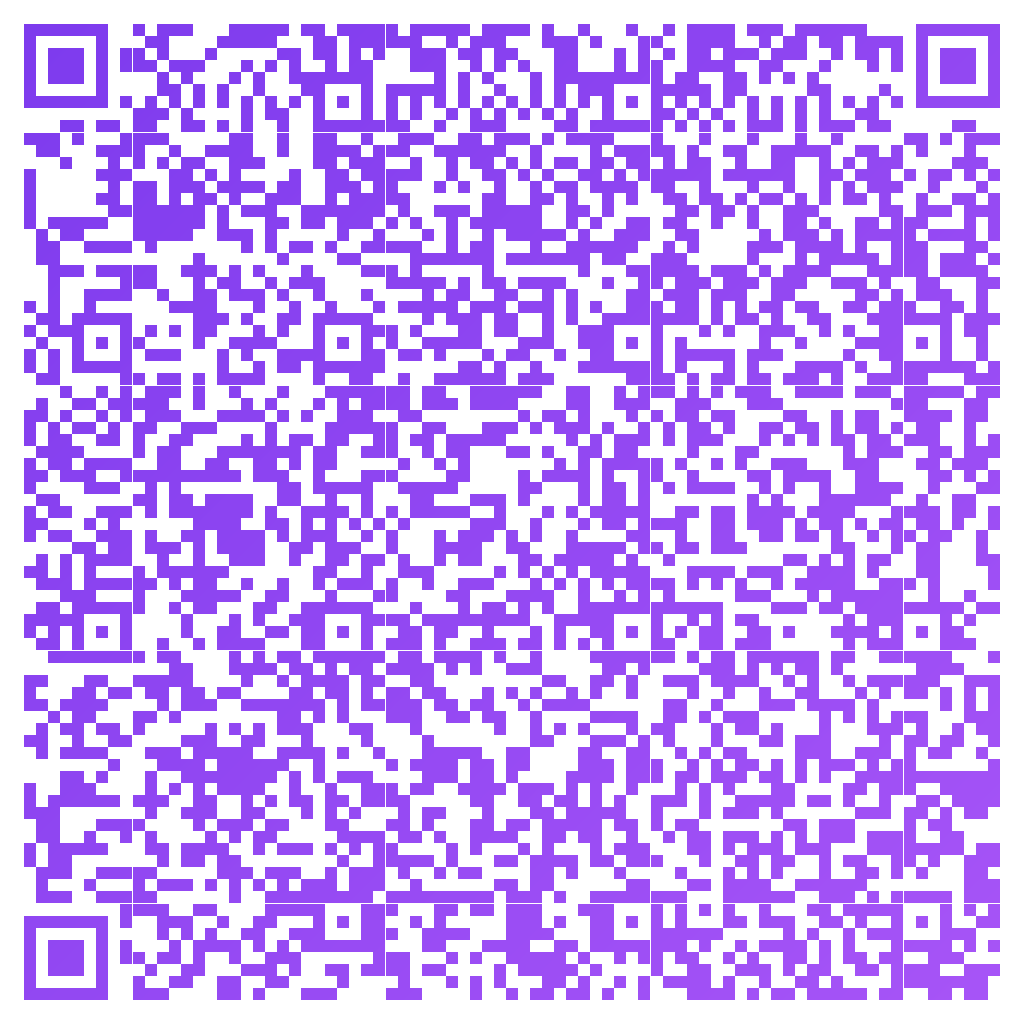
Made in CuteQRCodeThe whole event is in the pattern — title, time and place — so it works with no internet at all.
Why use a Event QR code
Straight into the calendar
Scanning offers to create the event with the details already in place, instead of asking someone to copy them off a poster.
Works with no internet
The whole event is in the pattern. Nothing is fetched, so the code works in a basement venue and still works years later.
Nothing to keep alive
There is no link to maintain and no service that can withdraw it. The code cannot expire, because there is nothing behind it to expire.
Fewer people with the wrong time
Everyone who scans gets the same details. Manual copying is where the wrong hour creeps into half the room’s calendars.
How to make one
Enter your details
Choose Event, then fill in the title, start and end times, location and description. Tick all-day for something without a start time. They are date and text fields — you never write an iCalendar block yourself.
Choose your style
Pick a module shape, colours or a gradient, and optionally add a centre logo. Watch the live preview to confirm the code stays scannable.
Download the PNG
Click Generate, then Save PNG to download a free 1024×1024 image ready for screen or print. No account required.
Popular use cases
Posters and flyers
The classic case: someone sees it in passing and has the date saved before they walk away.
Conference programmes
A code per session lets attendees build their own schedule without an app to install.
Printed invitations
Weddings and parties, where the date matters months out and the invitation is kept rather than clicked.
Class and fixture schedules
A code on the noticeboard beats a photo of the timetable that nobody looks at again.
Frequently asked questions
How do I make a QR code that adds an event to a calendar?
Choose Event in the generator and fill in the title, start and end times, location and description. The code encodes an iCalendar record, so scanning it offers to add the event rather than opening a page.
Does an event QR code work without internet?
Yes. The entire event is encoded in the pattern, so nothing is downloaded when it is scanned. That makes it reliable in venues with poor signal, and it means the code still works long after any website about the event has gone.
Can I change the date after printing the code?
No. The details are part of the printed pattern, so a change means a new code. If the date might move, point a dynamic link at an event page instead and repoint it when things change — you trade the offline guarantee for the ability to edit.
What does the all-day option do?
It stores a plain date with no time attached, which is what a festival or a deadline wants. Leave it off for anything that starts at a particular hour, or readers will get a full-day block instead of a seven o’clock entry.
Does it work on both iPhone and Android?
Yes. The iCalendar format is what calendar apps on both platforms already use, so the built-in camera recognises it and offers to create the event. The exact wording of the prompt differs between phones.
Is CuteQRCode free to use?
Yes, for everything most people need. The free plan gives you unlimited QR codes, every module shape and gradient preset, a centre logo, and 1024×1024 PNG downloads with no export limit and no account required. Free downloads carry a small "Made with CuteQRCode.com" line and include one active dynamic QR code with up to 500 scans a month. CuteQR Pro, at $9 a month, removes that attribution and adds vector SVG export, ten dynamic codes, scan analytics, and custom seqr.li short links.
Will a styled QR code still scan?
Yes. The three finder-pattern squares in the corners are always drawn in the standard proportions scanners rely on, and styling is applied only to the data modules. A live preview lets you confirm scannability before you download, and high error correction adds tolerance for logos.